Kindle and Anki for language learning
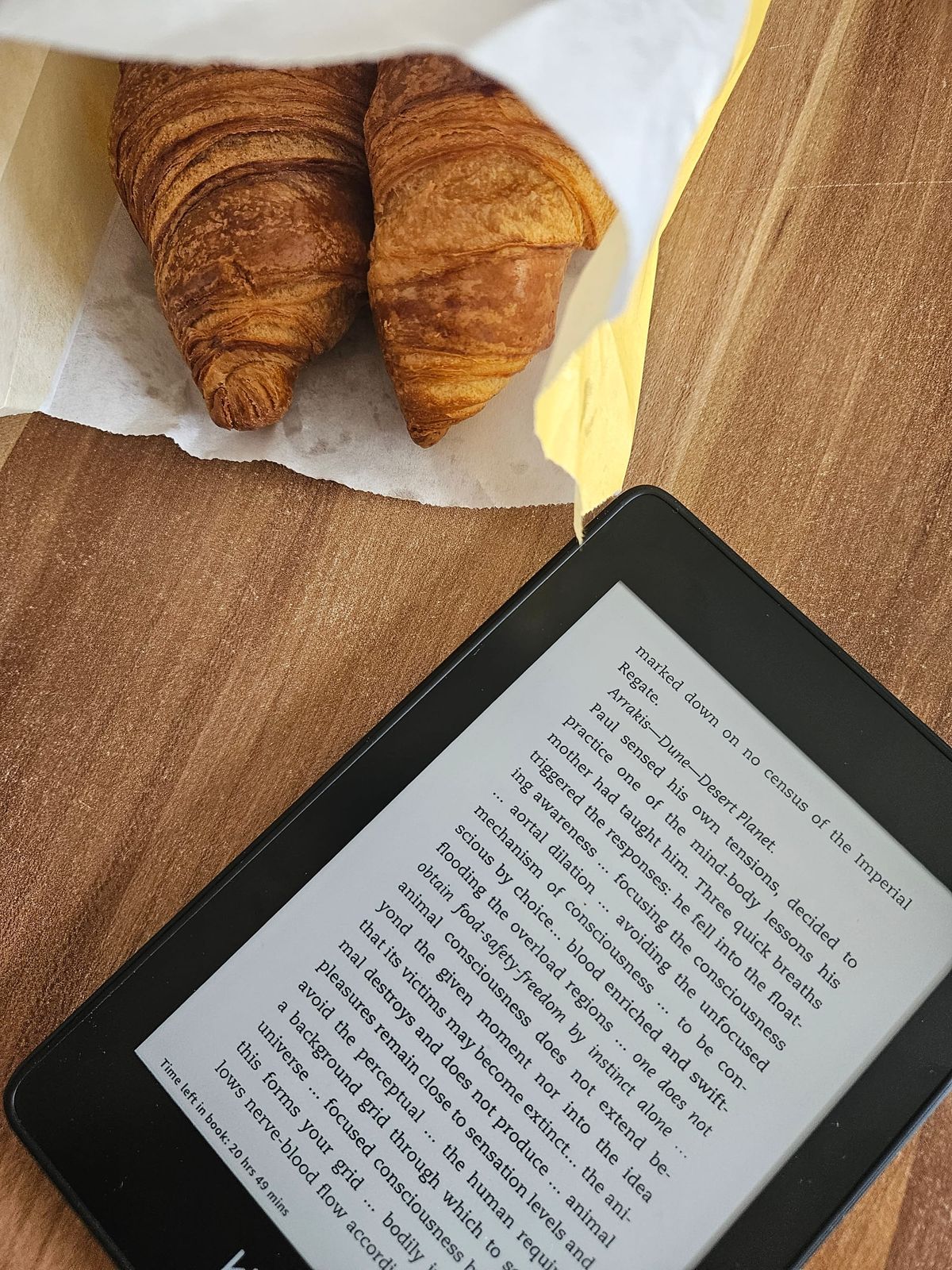
I've just learnt something that every language learner needs to know and use - Kindle + Anki (the spaced repetition app) bundle. Did you what happens every time you tap a word on your Kindle to check a definition?

I've just learnt something that every language learner needs to know and use - Kindle + Anki (the spaced repetition app) bundle 🧠✨
Did you what happens every time you tap a word on your Kindle to check a definition?
As a seasoned language learner, I've been reading books in foreign languages a lot - first English, then French, now Spanish. What I have learned this week is that every time you tap a word on your Kindle to check a definition, it quietly saves the word into a *hidden* database called "vocab.db"!
You can extract this database and instantly turn all those looked-up words into a highly personalized Anki flashcard deck.
Here is how.
Part 1: Extract the database
1: Connect your Kindle to your PC or Mac via USB
2: Navigate to the system/vocabulary folder (Mac users: open Finder and press Cmd + Shift + . to show hidden files)
3: Copy the vocab.db file to your computer
Part 2: Convert the database to .csv
You have two main routes:
- Use a free online service like FluentCards to process it, OR
- Open it with an SQLite viewer (note: you will need to filter by book ID so you don't export your entire reading history)
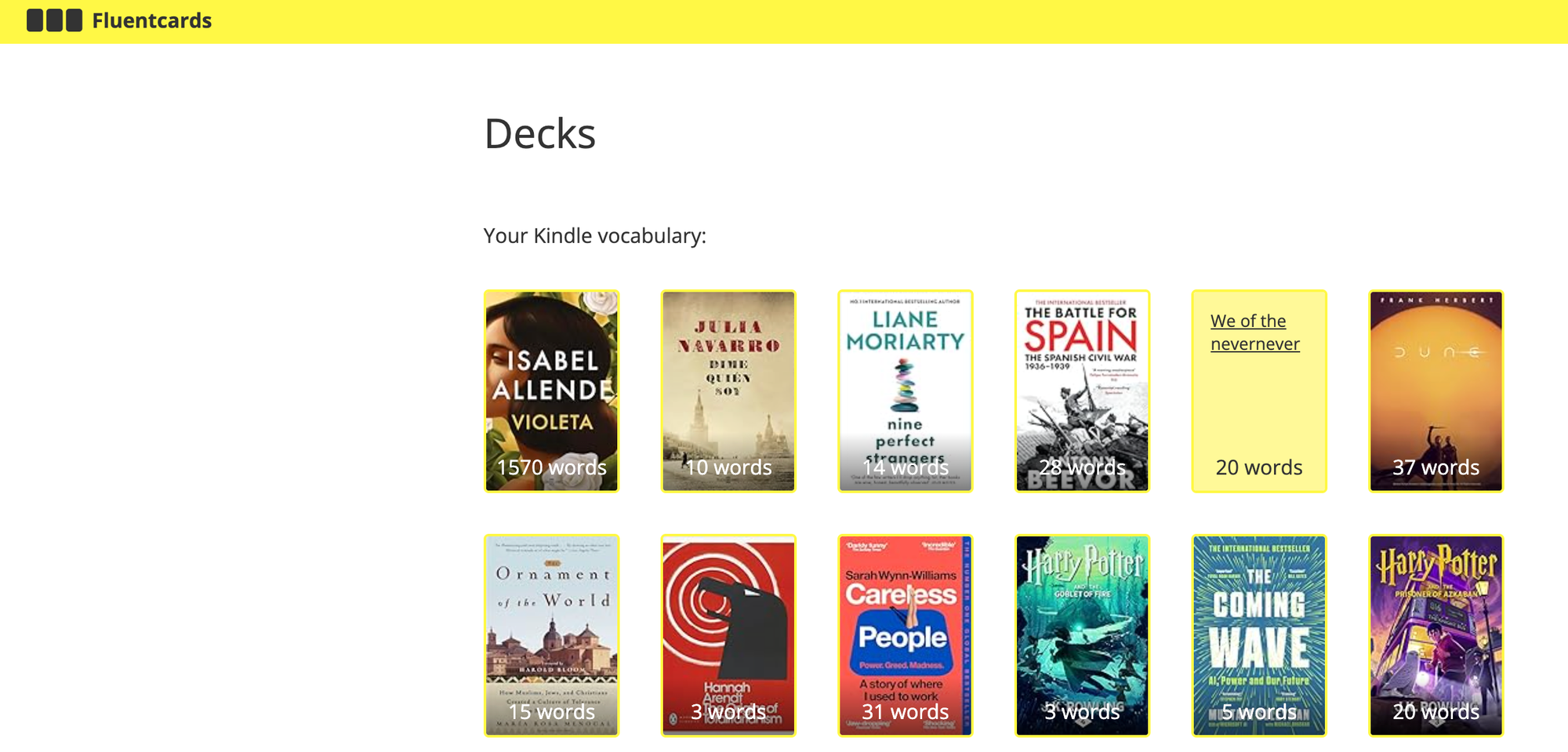
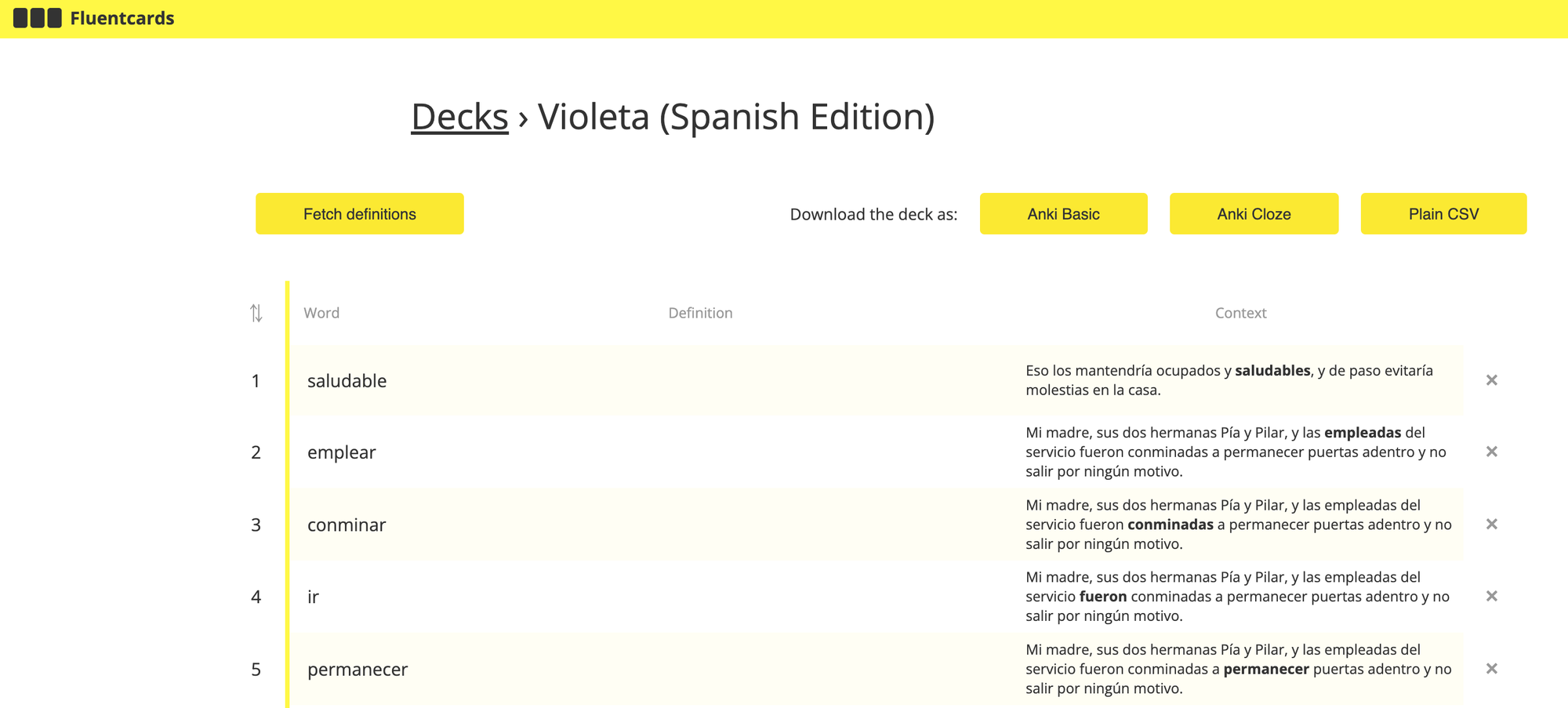
🔥 Crucial tip for SQL users: make sure you export the usage sentence alongside the word (SELECT WORDS.word, LOOKUPS.usage): learning a word in the exact context you read it is 10x more effective for memory retention than studying it in isolation!

Part 3: Enrich your dataset
Now you have a basic .csv file (the word + context sentence). Let’s supercharge it:
4: I used FluentCards' "Fetch definitions" function to automatically pull English translations into a new column (I keep these hidden on the back of the Anki card, only viewing them if I really need to using Anki's Hint feature: when editing the "Back Template" of your card, format your English field like this: {{hint:EnglishDefinition}} (this field name should be the same as the one in your database). It will appear as a clickable link instead of plain text, forcing you to rely on your target language first.
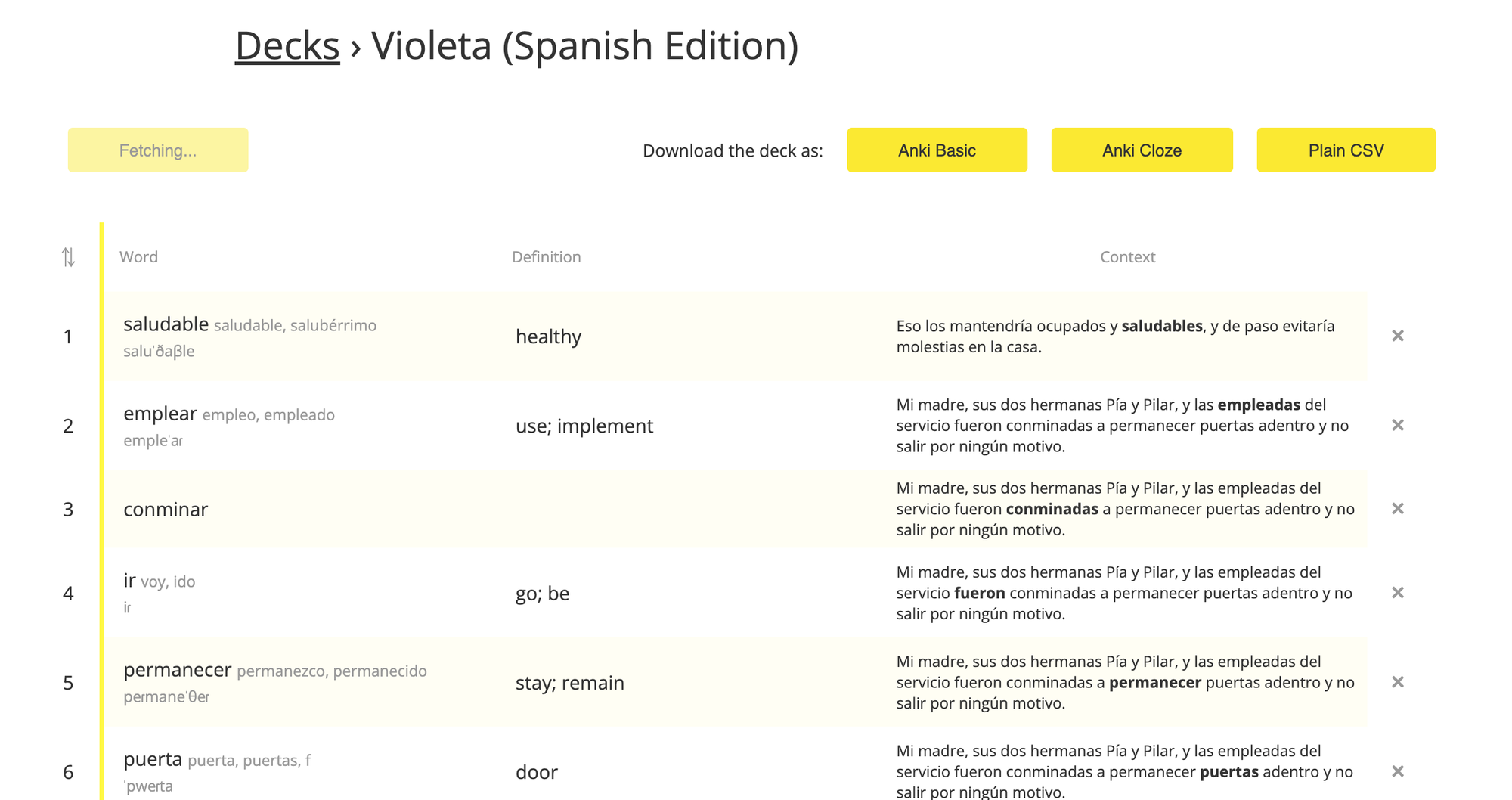
5: The pro-move: I used AI (Claude - but any other should work too) to fetch definitions in the language of the book (Spanish in my case) to ensure full language immersion. Trust me, this is incredibly useful, even if you are only at an A2 beginner level like me.
Part 4: Import to Anki
6: Open your Anki desktop app
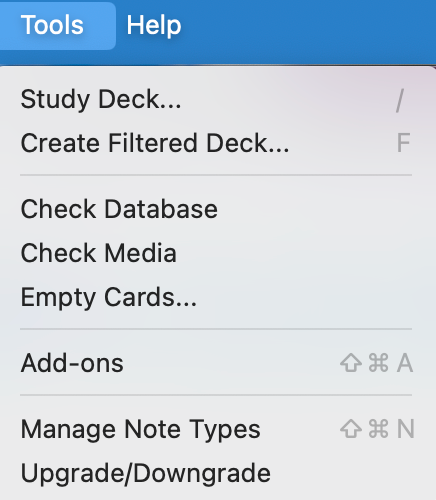
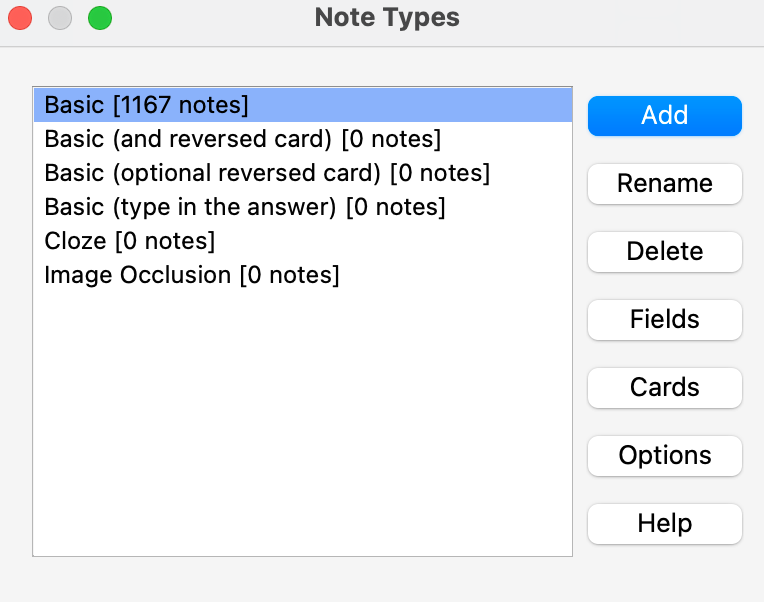
7: Go to Tools > Manage Note Types and set up your Fields and Cards. (This is highly customizable: you can even add fields for the word's CEFR level or grammar rules)
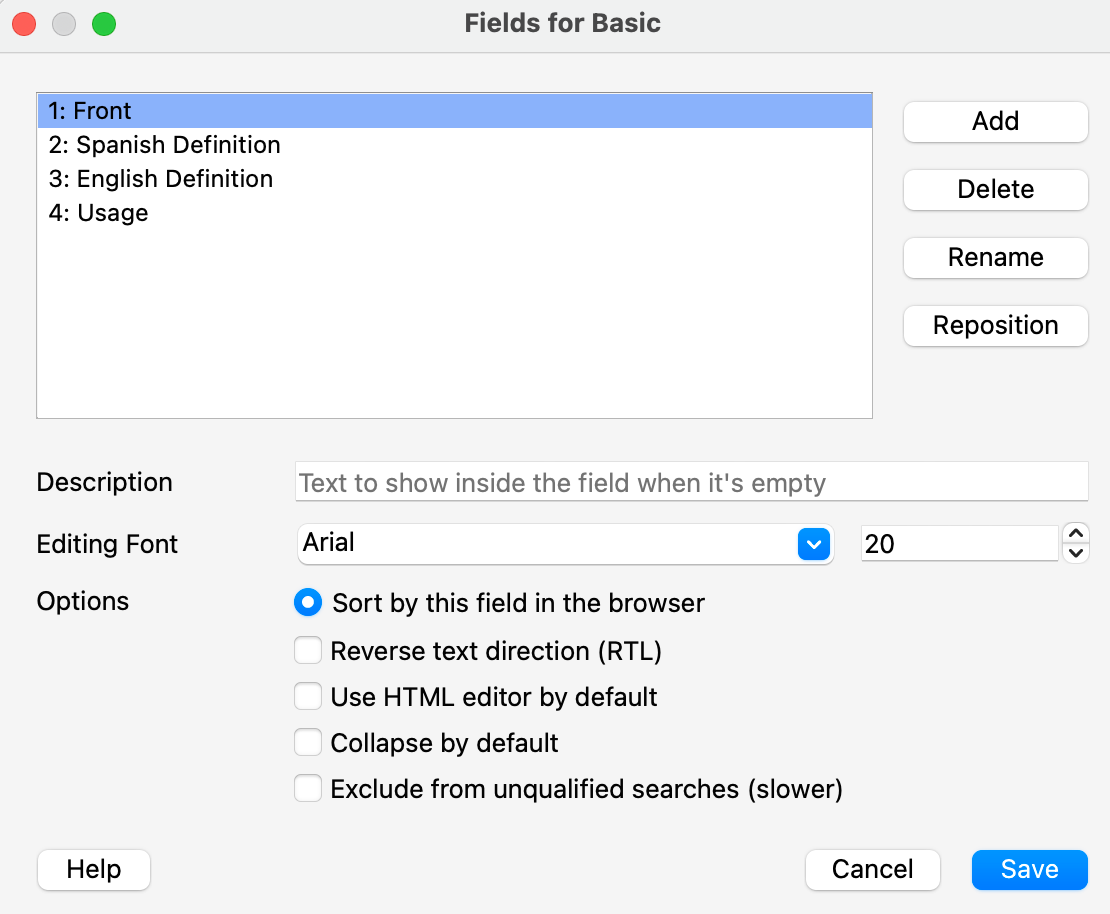
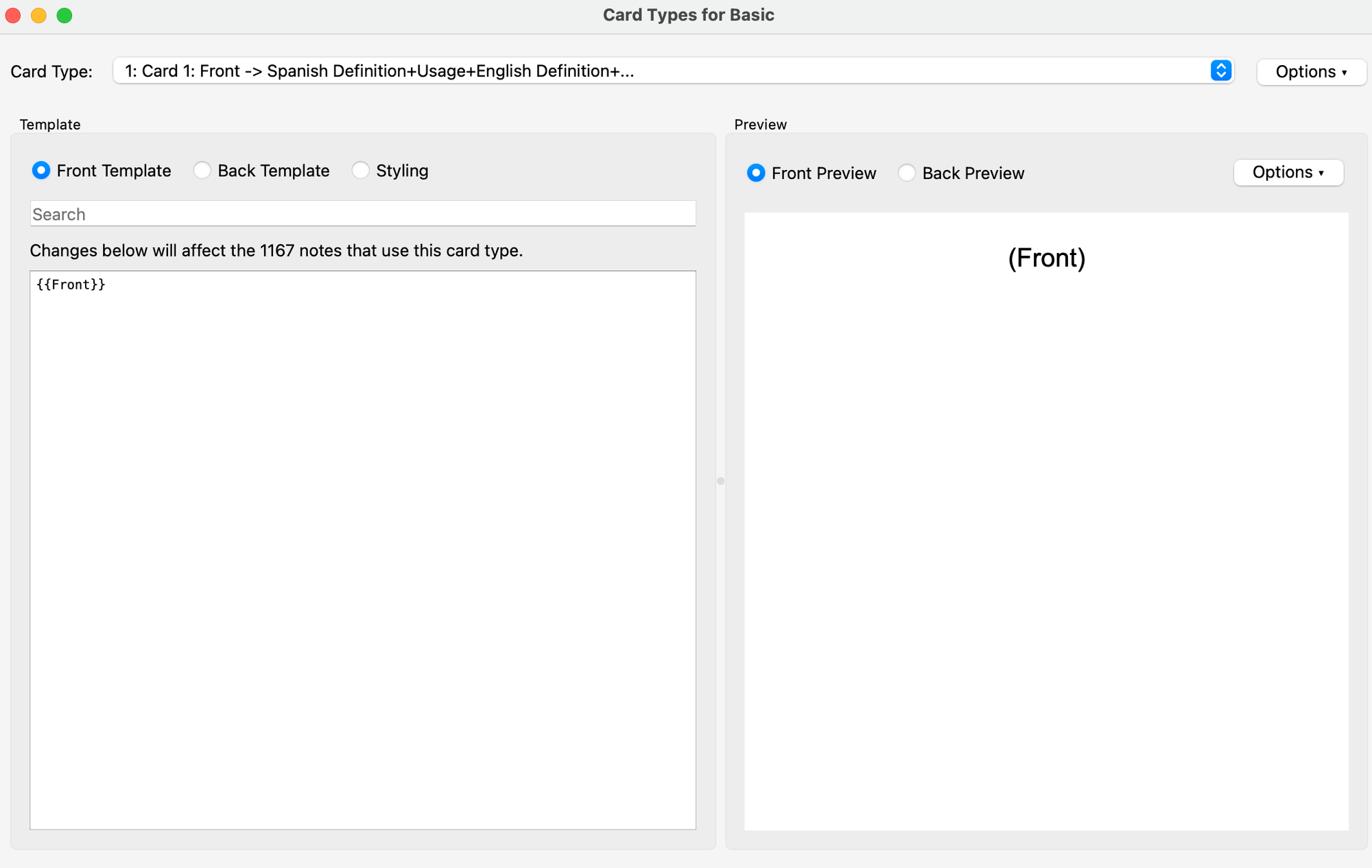
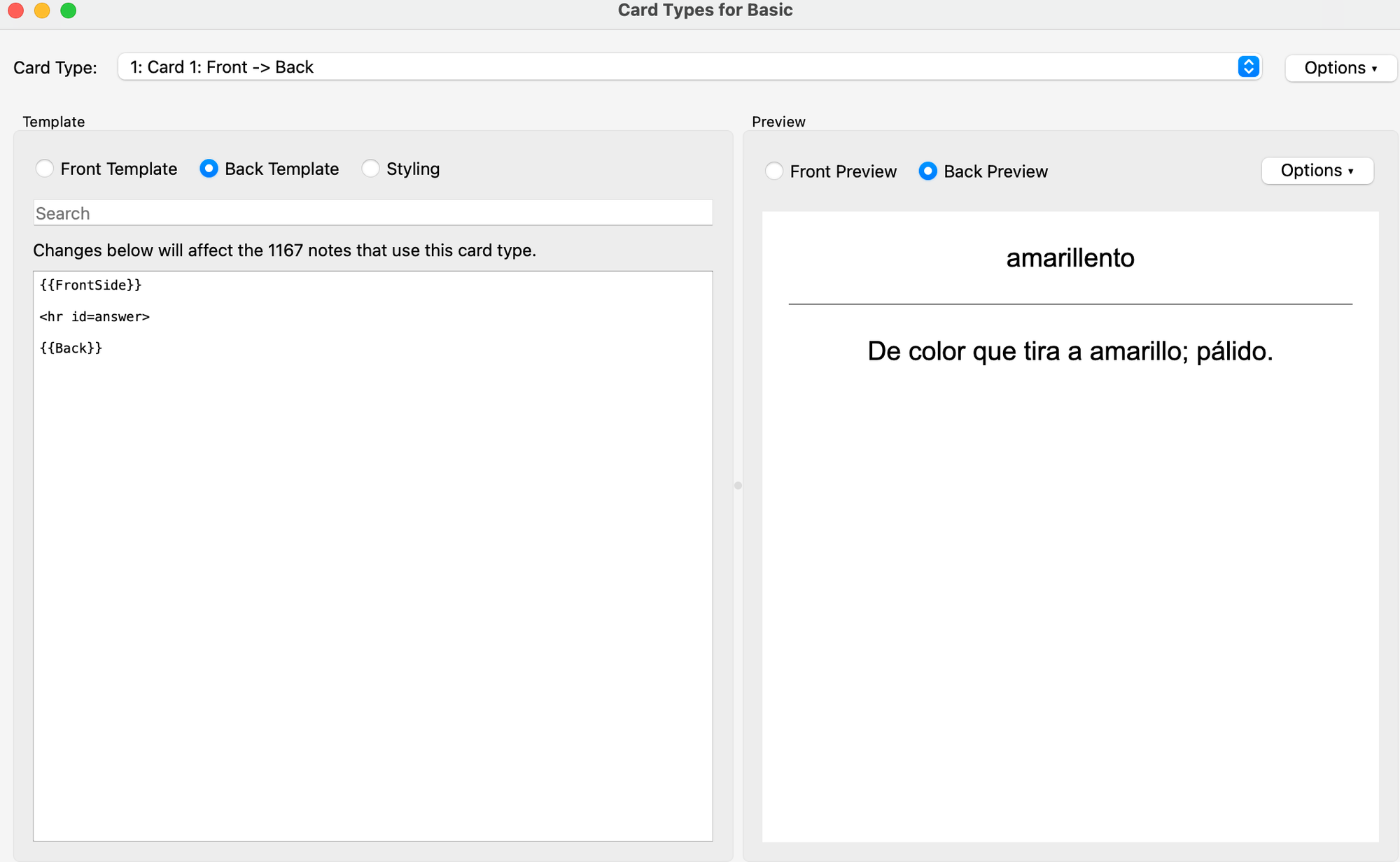
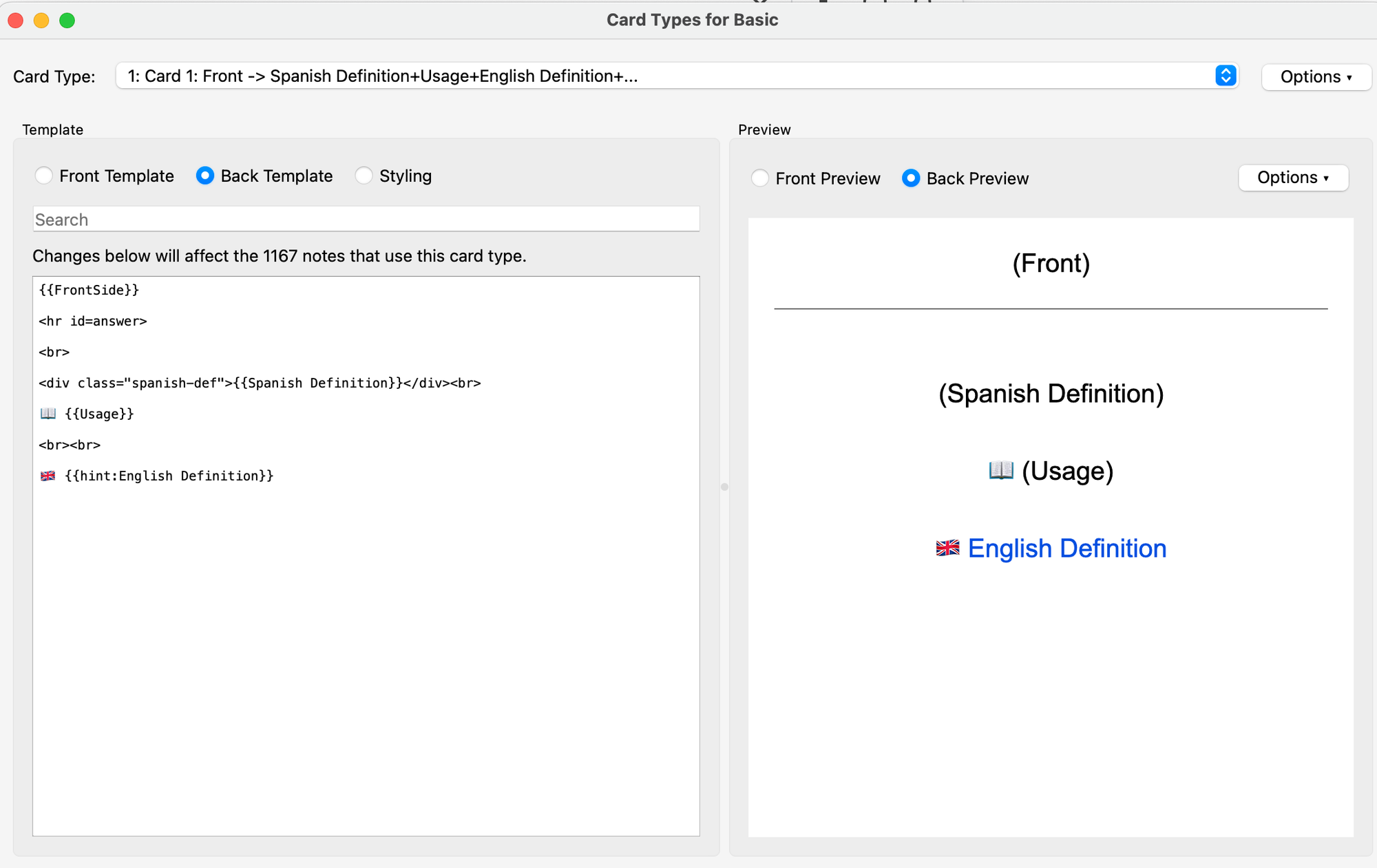
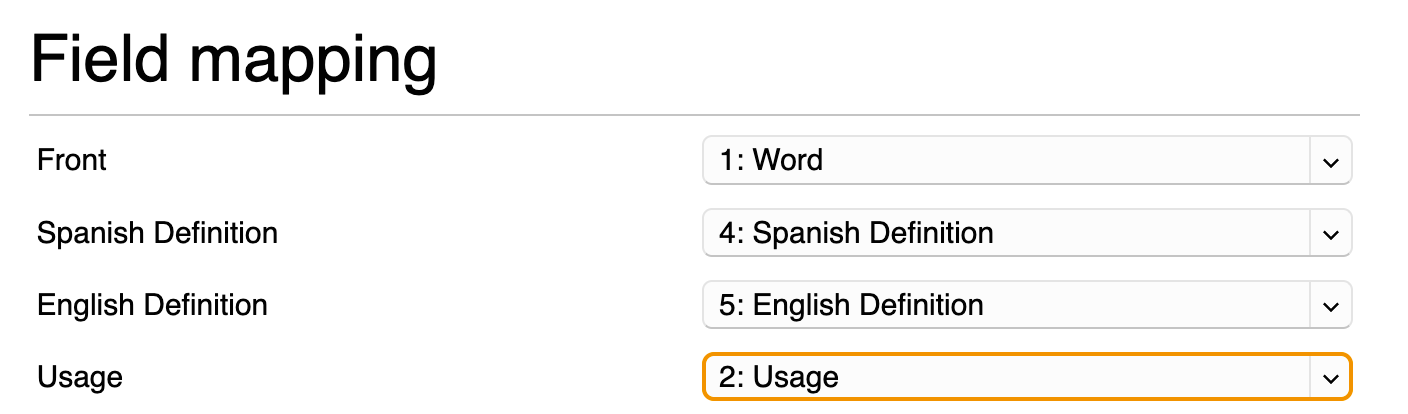
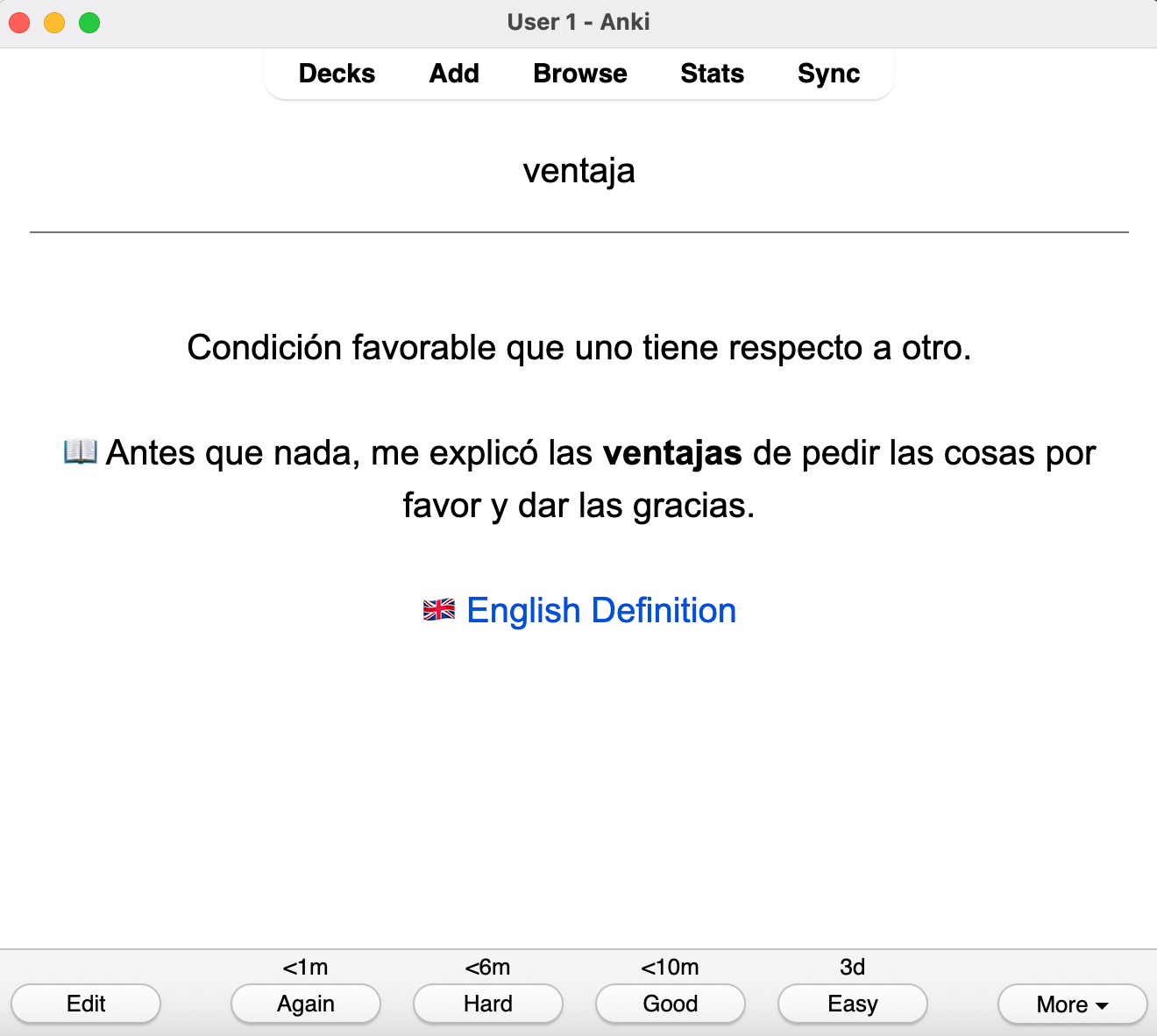
8: Import your .csv file! Just make sure to choose "comma" as your field separator in the Import window and align your columns with your Anki fields.
Done! ✅
Now you can use your customized, context-rich flashcards to master vocabulary seamlessly from the books you actually enjoy reading.